Builder Quote and Invoice App Less paperwork. More building.
Create professional building quotes, send invoices and keep deposits, labour and materials organised — straight from your phone.
Create your free account14 days of full Pro included. No card required. No automatic payment.

Your work happens on site.Your paperwork should too.
Extensions, renovations and larger building jobs involve changing details, labour, materials and deposits that are easier to organise while you can still see the work.
- Extensions
- Renovations
- Brickwork
- Roofing
- Timber
- Doors and windows
- Labour
- Materials
- Deposits
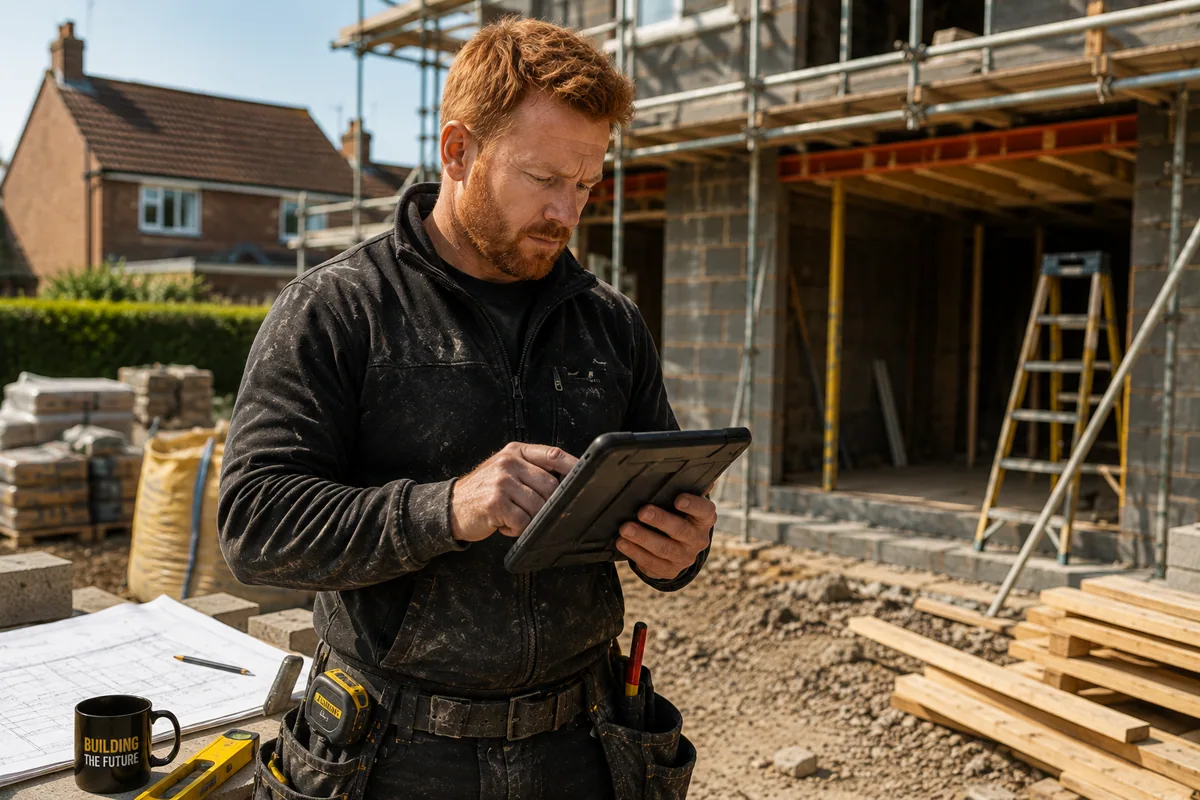
Quote on site.Not at night.
- 01Add the customer
- 02Price the work
- 03Send the quote
Builder quotes made simple
Look professional.Price it while it is fresh.
Keep the customer, work description, labour and materials together, then send a professional document before the details drift into the evening.
A quicker response for the customer. One less job waiting for you at home.
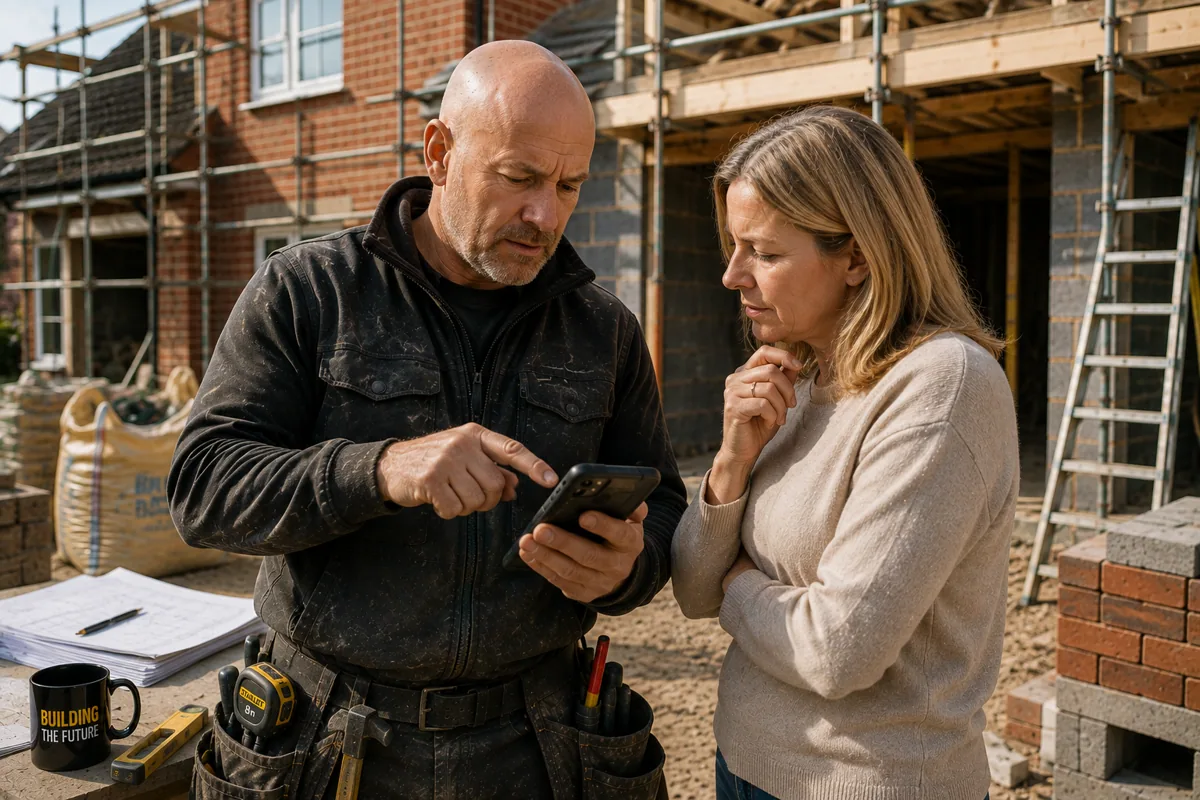
From quote to invoice.Without starting again.
Customer details, work description and pricing carry across, ready for you to check and send.
- 01QuoteCreate and send
- 02ApprovedCustomer approves
- 03InvoiceOne tap
- 04Get paid on siteTap. Link. Scan.
Pro Payments — in testing
Finish the job.Get paid on site.
Tap to Pay
Accept supported contactless card and digital-wallet payments on a compatible phone.
Payment links
Send a secure payment link through WhatsApp, text or email.
QR payments
Give the customer a QR code to scan using their own phone.
A compatible device and approved Stripe account are required. Stripe transaction fees and payment-service terms apply.
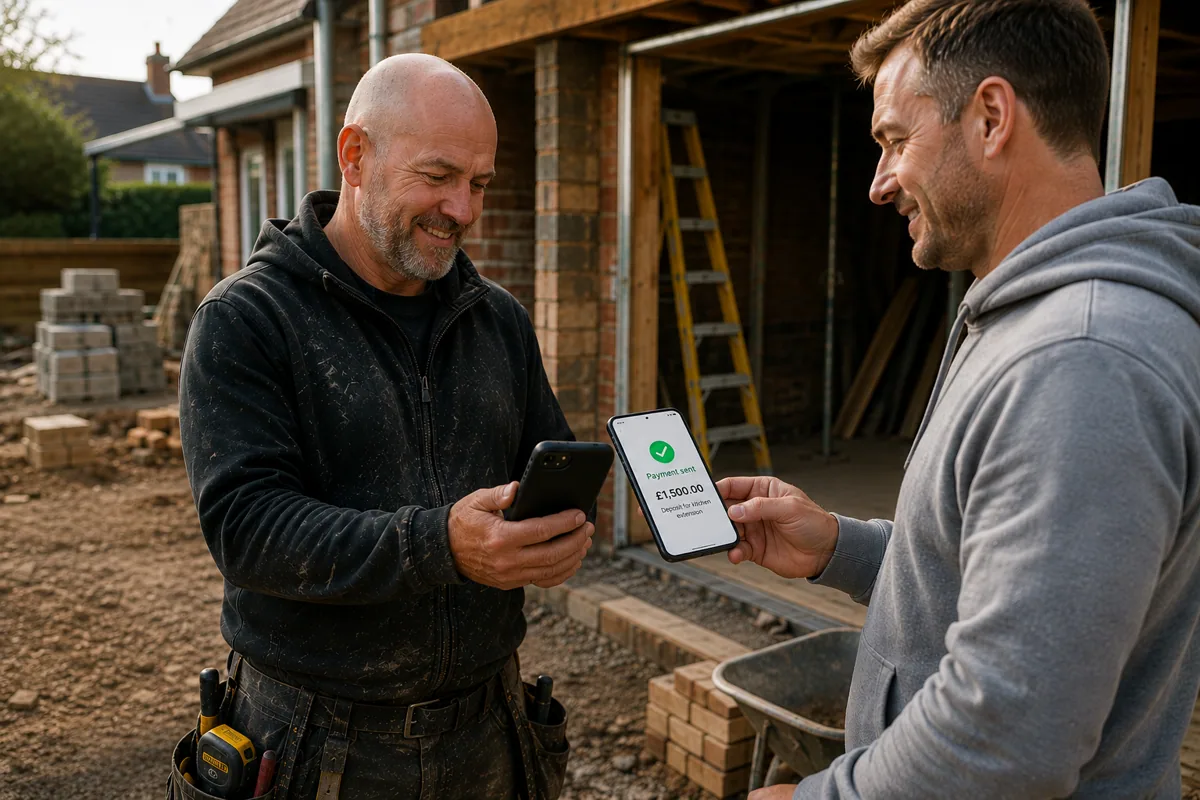
Built for the way builders actually work.
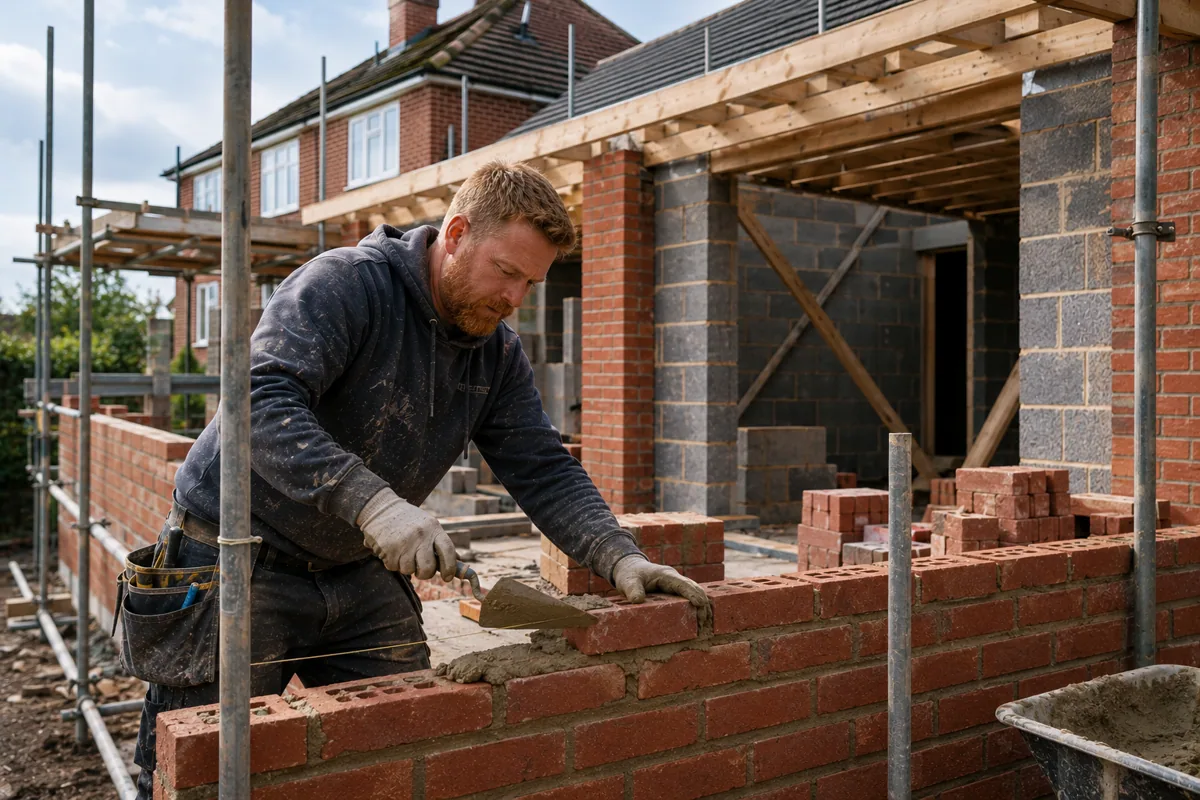
Extensions & renovations
Keep larger jobs and changing details organised.
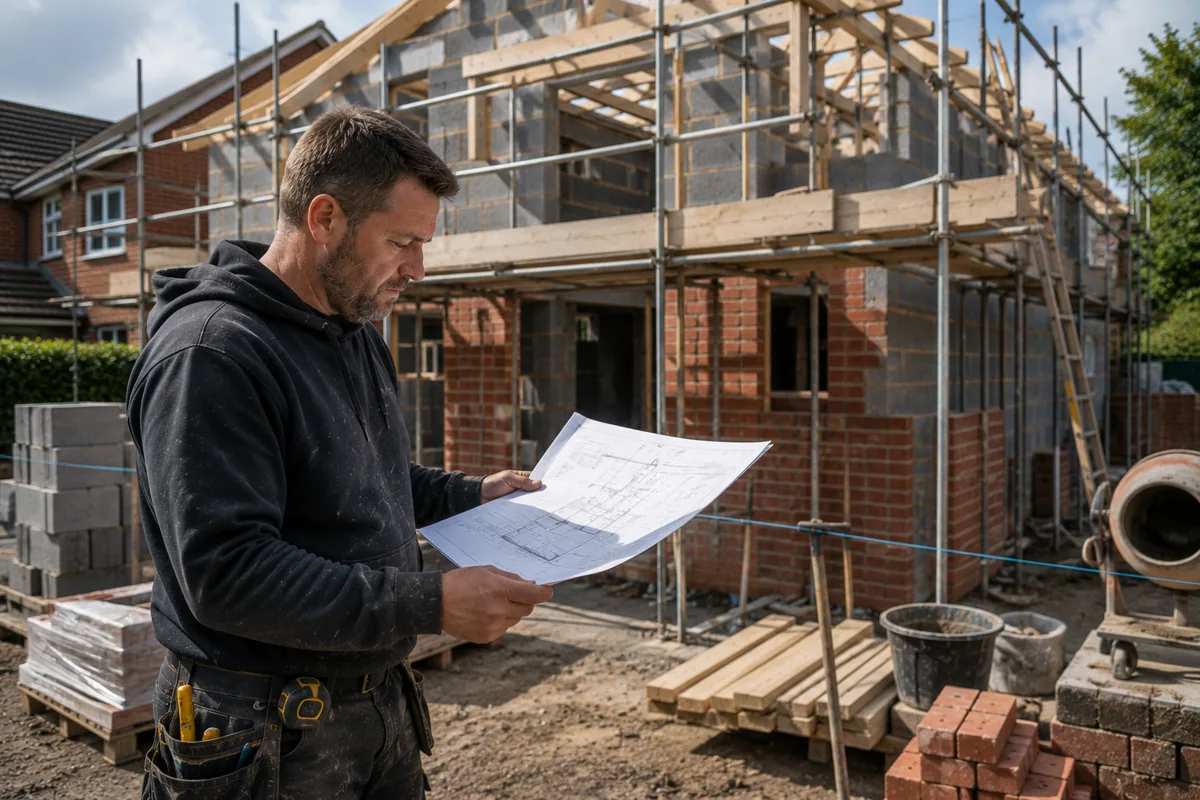
Brickwork
Price labour and materials while the job is fresh.

Materials & deposits
Give customers a convenient way to pay before you order.

Customer variations
Create clear updated paperwork when the job changes.
Start with everything.Keep quoting free forever.
No Mates Rates Free
Free Forever
£0 per month
- Unlimited professional quotes
- Unlimited professional invoices
- Customer management
- Professional PDF documents
No Mates Rates Pro Payments
Pro
£9.99 / month Launch price
After 14 days: 14 days of full Pro included.
- No card required
- No automatic payment
- Everything in Free
- Tap to Pay on compatible devices
- Secure invoice payment links
- QR-code payments
If you don't upgrade, the account continues automatically on Free Forever.
Free Forever launch offer applies to qualifying registrations during the stated 90-day launch period.
Builder questions,answered.
Straight answers for sole traders and small trade businesses.
Is No Mates Rates suitable for self-employed builders?
Yes. It is designed for sole traders and small building businesses managing customers, quotes, invoices and payments from a phone.
Can I create building quotes while I am on site?
Yes. Add the customer, describe the building work and send a professional quote before you leave.
Can I separate labour and materials?
Yes. Add labour, materials, waste removal and other job costs as clear separate lines.
Can I request a deposit for materials?
Yes. Send a payment request for a deposit before ordering materials, using the available payment option.
Can I send quotes through WhatsApp?
Yes. Share quotes and invoices through WhatsApp, text or email, or save them as professional PDFs.
Can I convert an accepted quote into an invoice?
Yes. Convert an agreed quote without re-entering the customer and job details.
Can customers pay from their phone?
Customers can use the payment option available on the invoice or payment request from their phone.
Spend your evening doing something better.
Quote on site.Get paid on site.